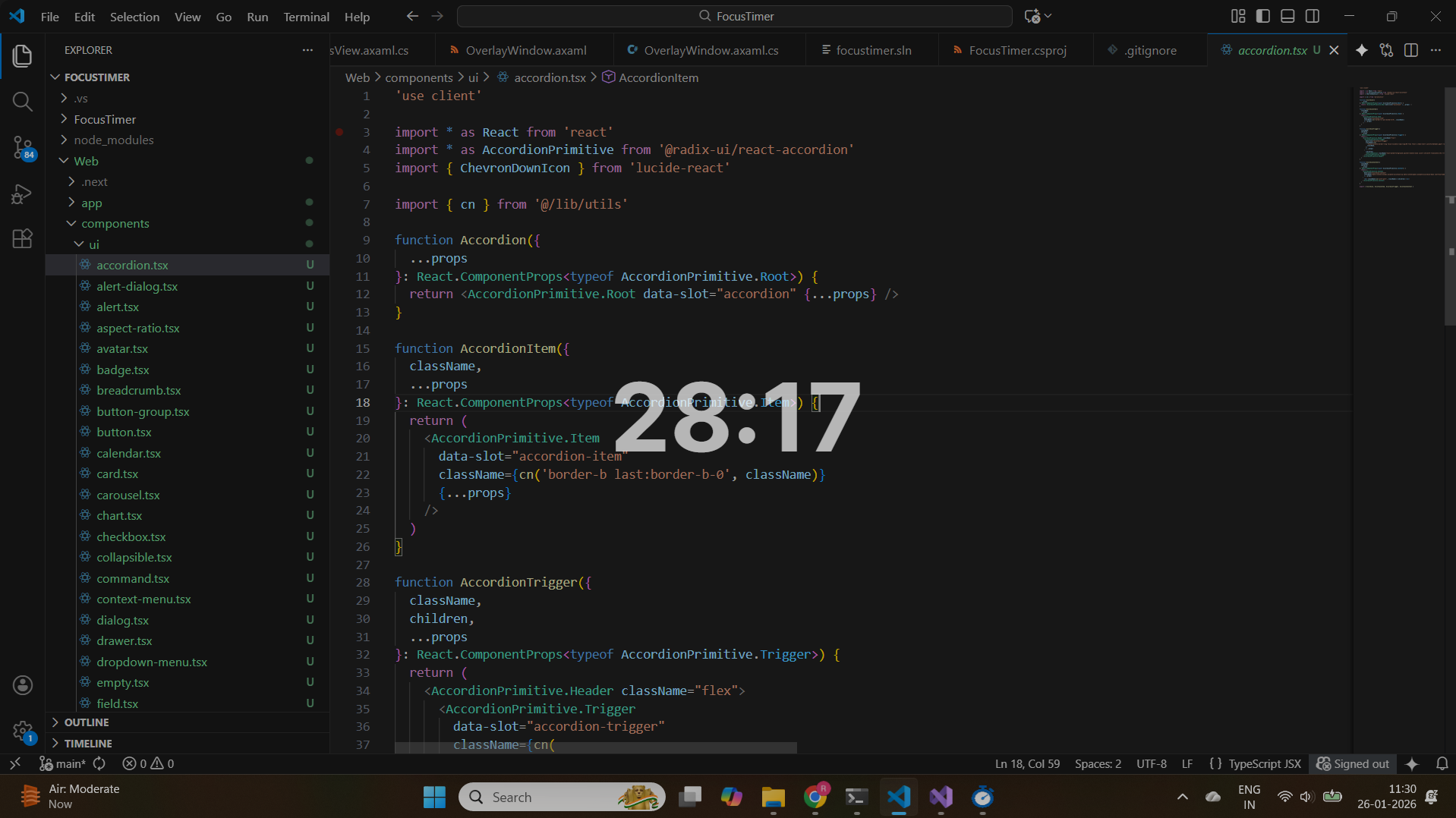
Track Your Focus Without a Second Screen
Inspired by productivity setups that rely on separate timer devices, Focus Timer brings your focus clock straight to your working screen.
Windows only • macOS & Linux coming soon
Why Focus Timer?
See it in action
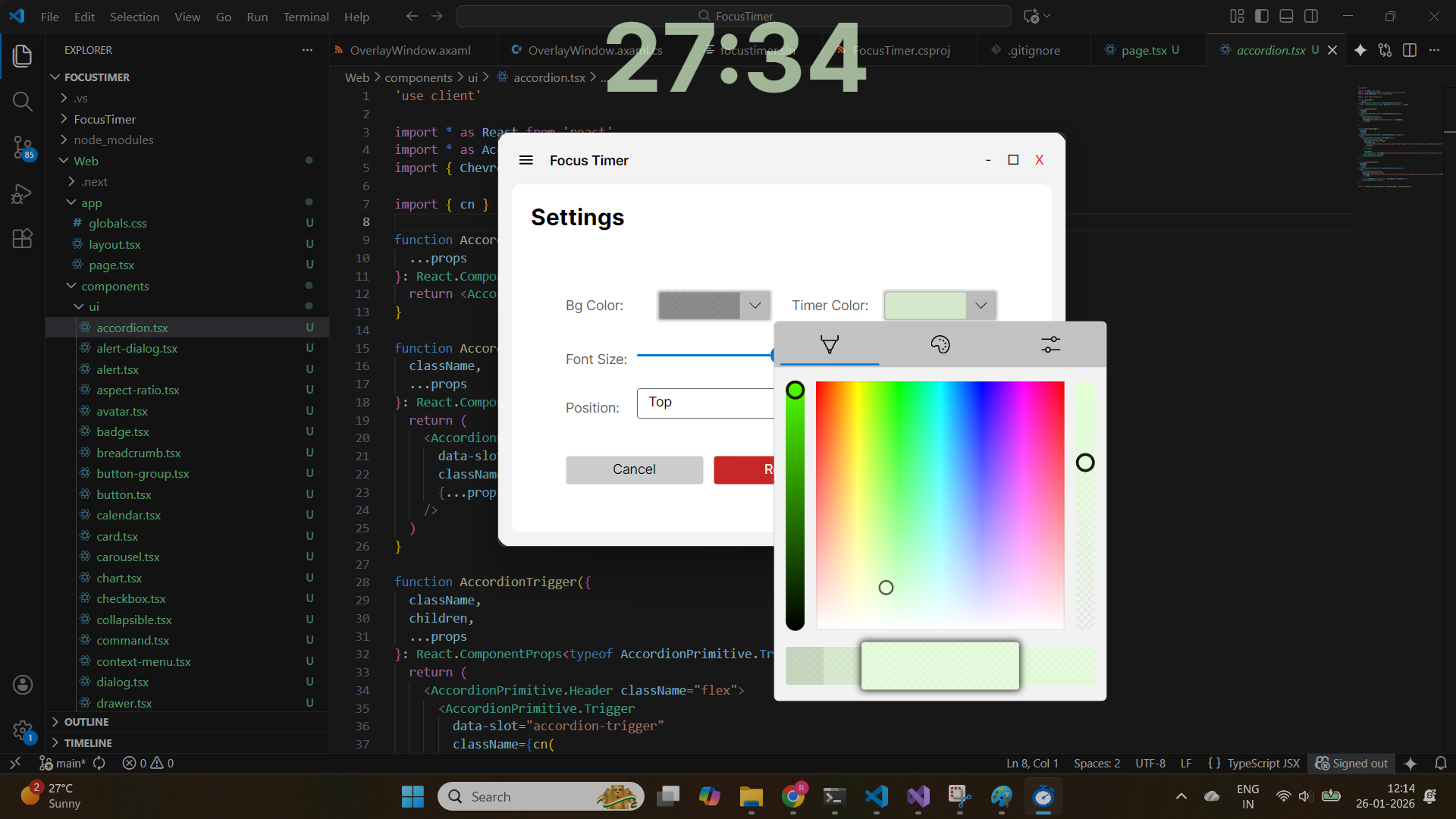
Custom Colors Match Your Setup
Choose any color combination for timer text and background. Ensure visibility on any screen, from white to dark backgrounds.
- RGB color picker
- Preset themes
- Save favorites
Always On Top Overlay
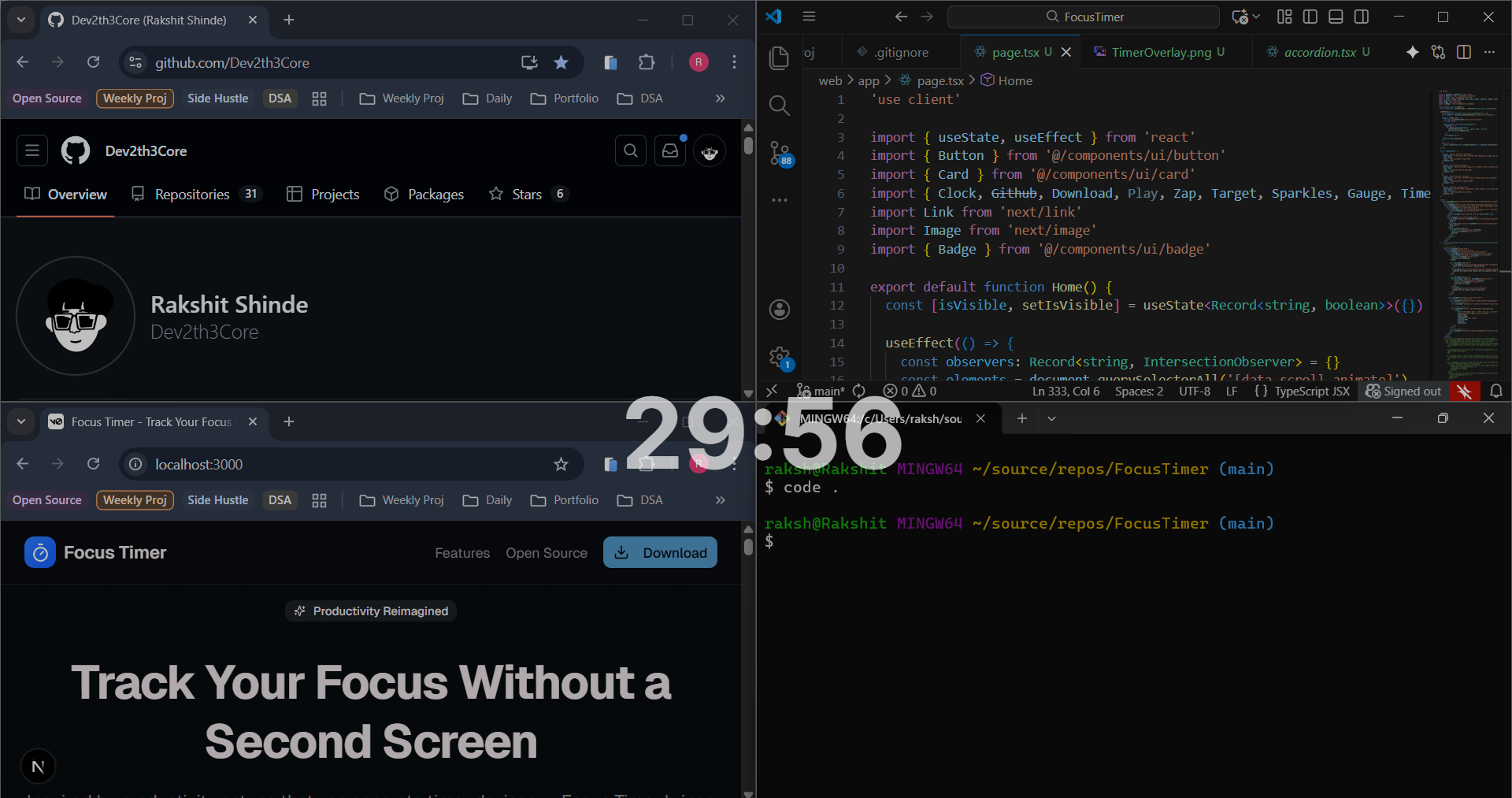
Timer floats above every application. Work without looking away from your screen. Maximize focus by keeping your timer always visible.
- Stays visible always
- Zero distractions
- Transparent mode available
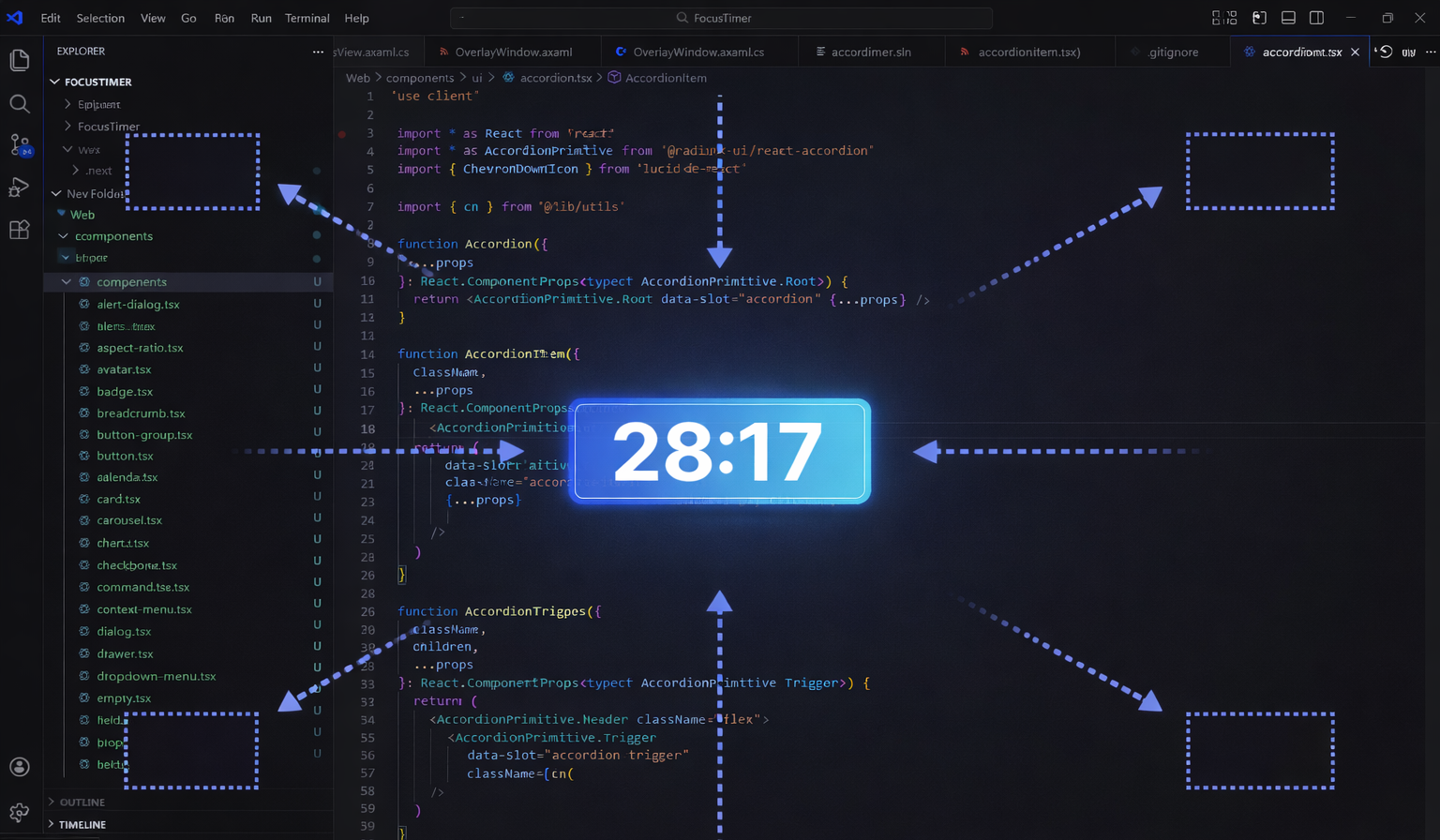
Position Anywhere on Screen
Place your timer in any corner or position. Adapt to your unique workflow and screen layout.
- 9-position grid
- Pixel-perfect placement
- Drag to reposition
What's Next
Exciting features coming to Focus Timer
Session Analytics Dashboard
Track your focus sessions with detailed insights and productivity patterns
Cross-Platform Support
macOS and Linux support for seamless focus tracking everywhere
Focus Profiles & Presets
Save your favorite timer configurations for different tasks
Advanced Customization
Custom fonts, animations, sound effects, and visual themes
Start Your Focus Journey Today
Free • No signup • Lightweight • Open source
Windows • macOS & Linux coming soon